Skip to main content
How Can We Help?
SETTINGS – Options
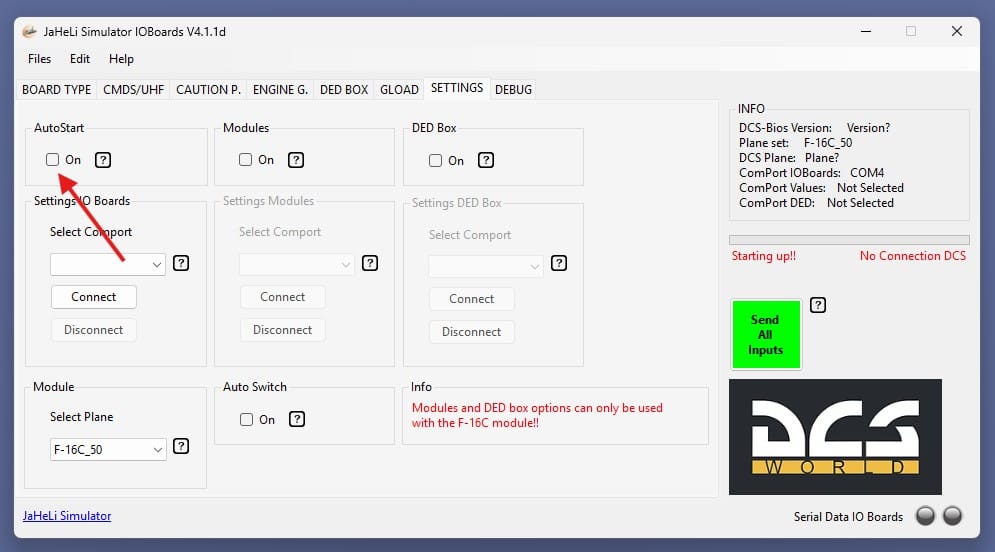
Check the “AutoStart” box if you want the IO tool to start automatically when your computer boots up.
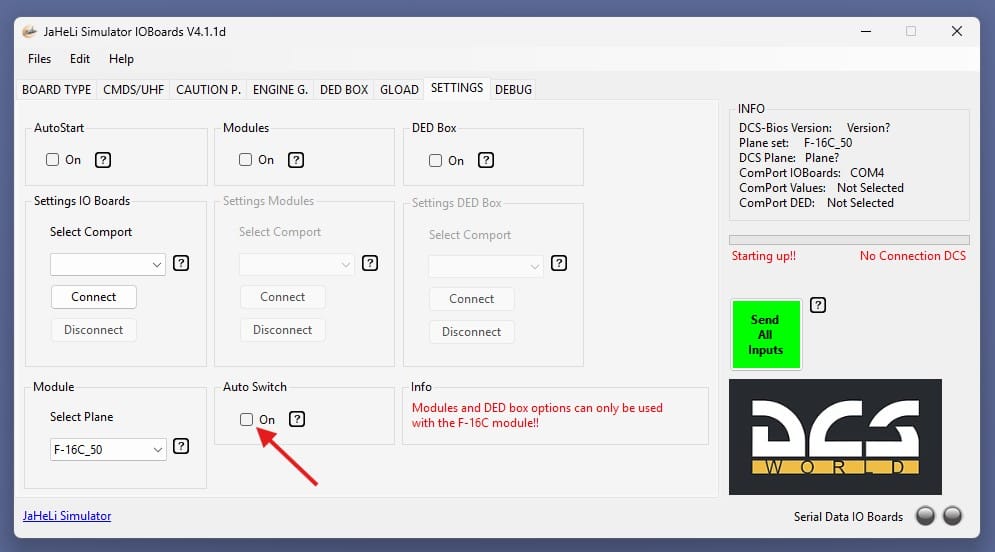
Check the “Auto Switch” box if you want the IO tool to transmit all switch positions to DCS upon startup. DCS will then adopt all positions from the physical switches.
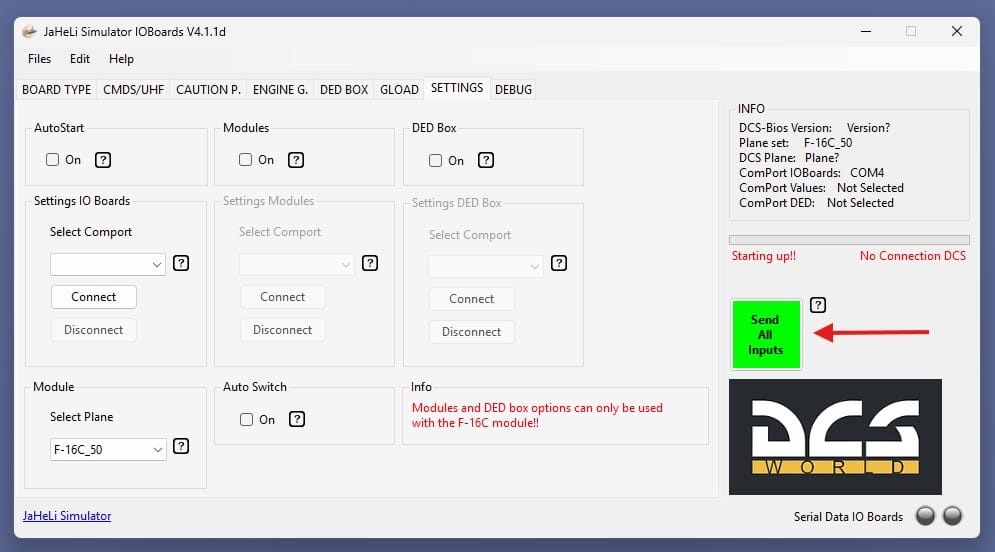
You can also choose to send all switch positions manually. To do this, click the “Send All Inputs” button. DCS will then adopt all positions from the physical switches.
You can also assign a switch for this. To do so, go to the switch settings.