
Skip to main content
How Can We Help?
SETTINGS – Select module
When the IO tool is started for the first time, you must first select a module.
Click on the “SETTINGS” tab.
There you will find the “Module” field. Make a selection under “Select Plane”.
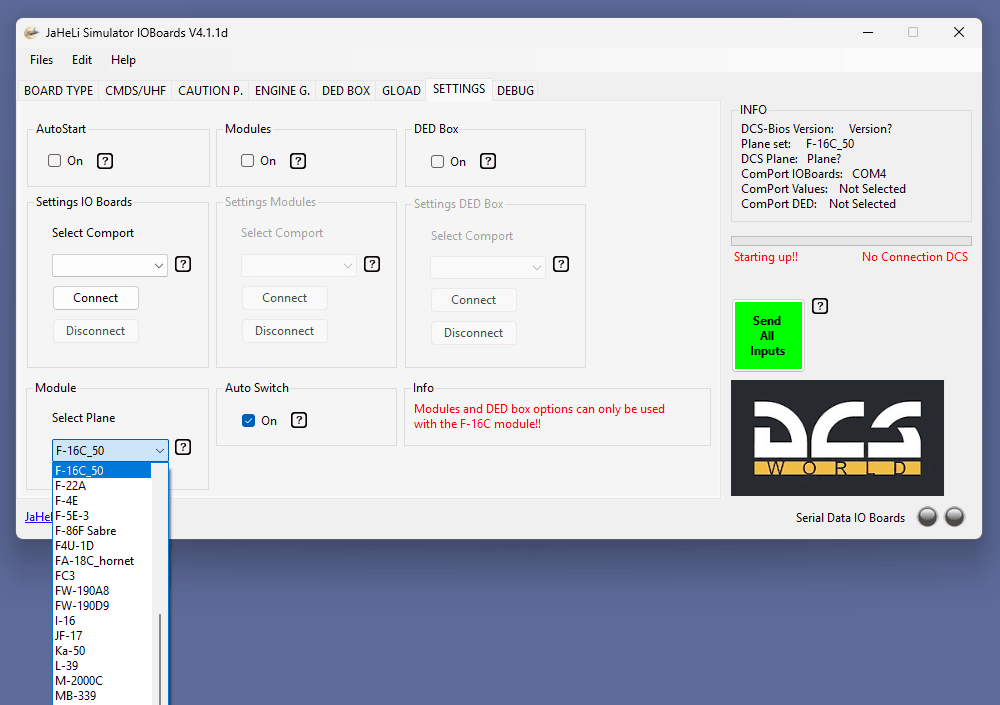
When a selection is made for the first time, the IO tool will restart.
Later, you can switch between different modules.