
Skip to main content
How Can We Help?
SETUP – Two Position Switch
To configure a switch, the following selection fields must be set:
- Device: Select the panel on which the switch is located.
- Element: Select the correct switch.
- On Value: Select the on value.
- Off Value: Select the off value.
- Combined With: Select board and input.
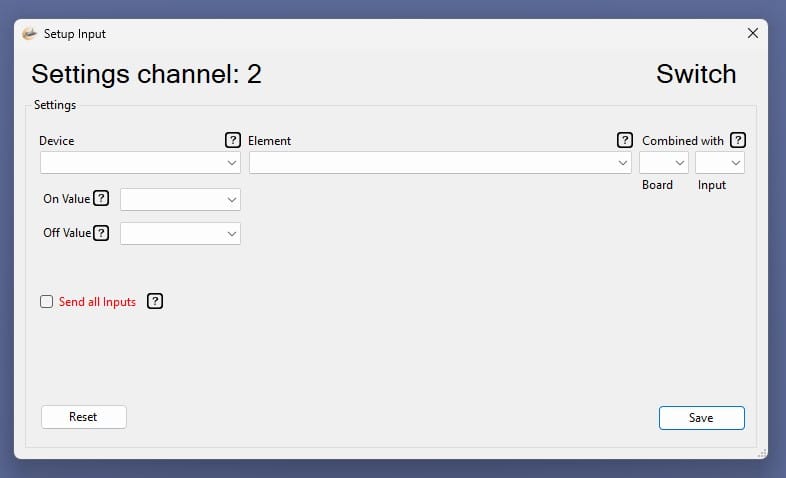
In this example, we are going to set up the Anti Skid Switch.
Two inputs are required for a two-position switch.
In our example, we use input 2 and input 3 from board 0.